 BuildWell
Instant estimates and
invoices for contractors
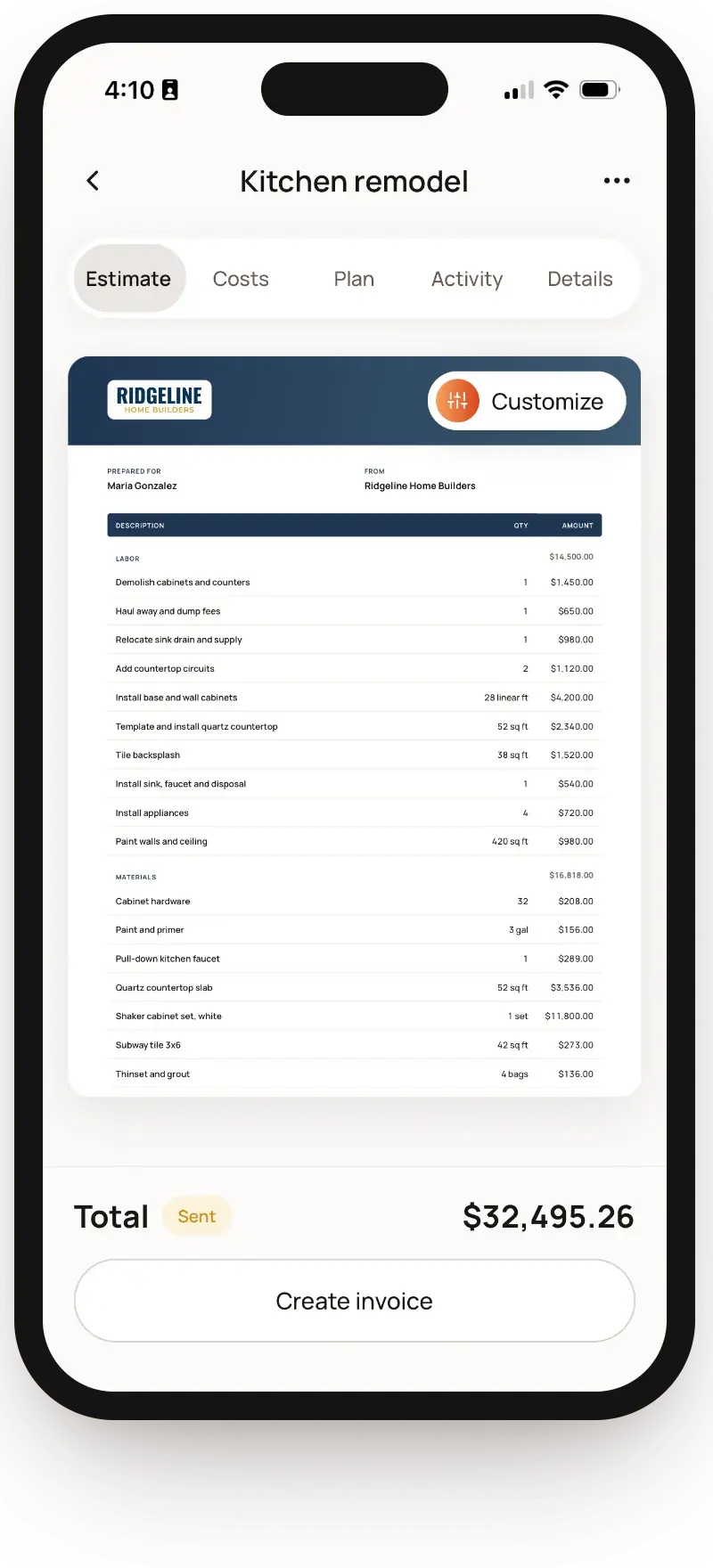
Talk through the job and get an estimate priced from local stores and your area’s labor rates.

- Accurate estimatesTalk through any job and get every line listed.
- Real local pricesMaterials from stores nearby, labor at local rates.
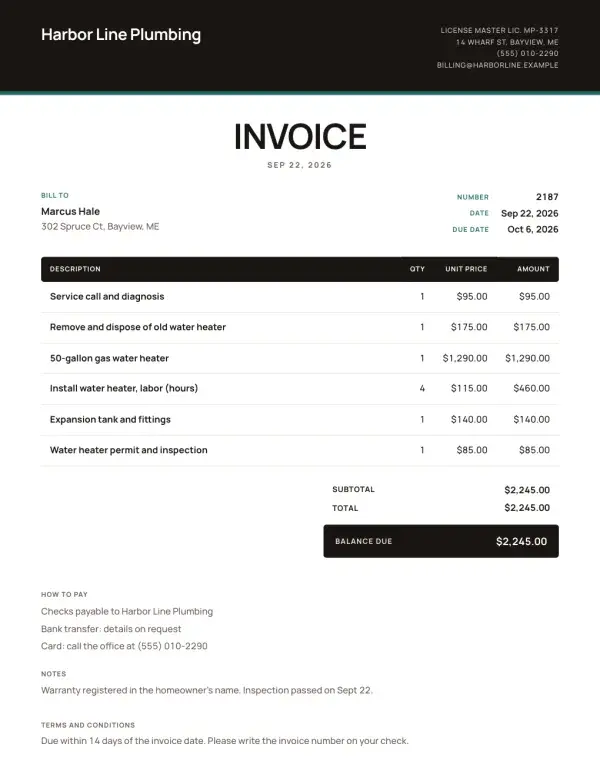
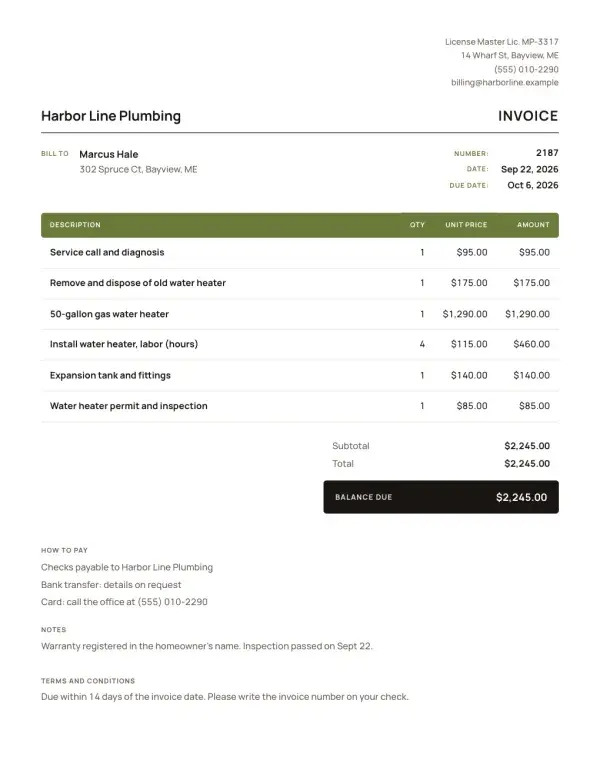
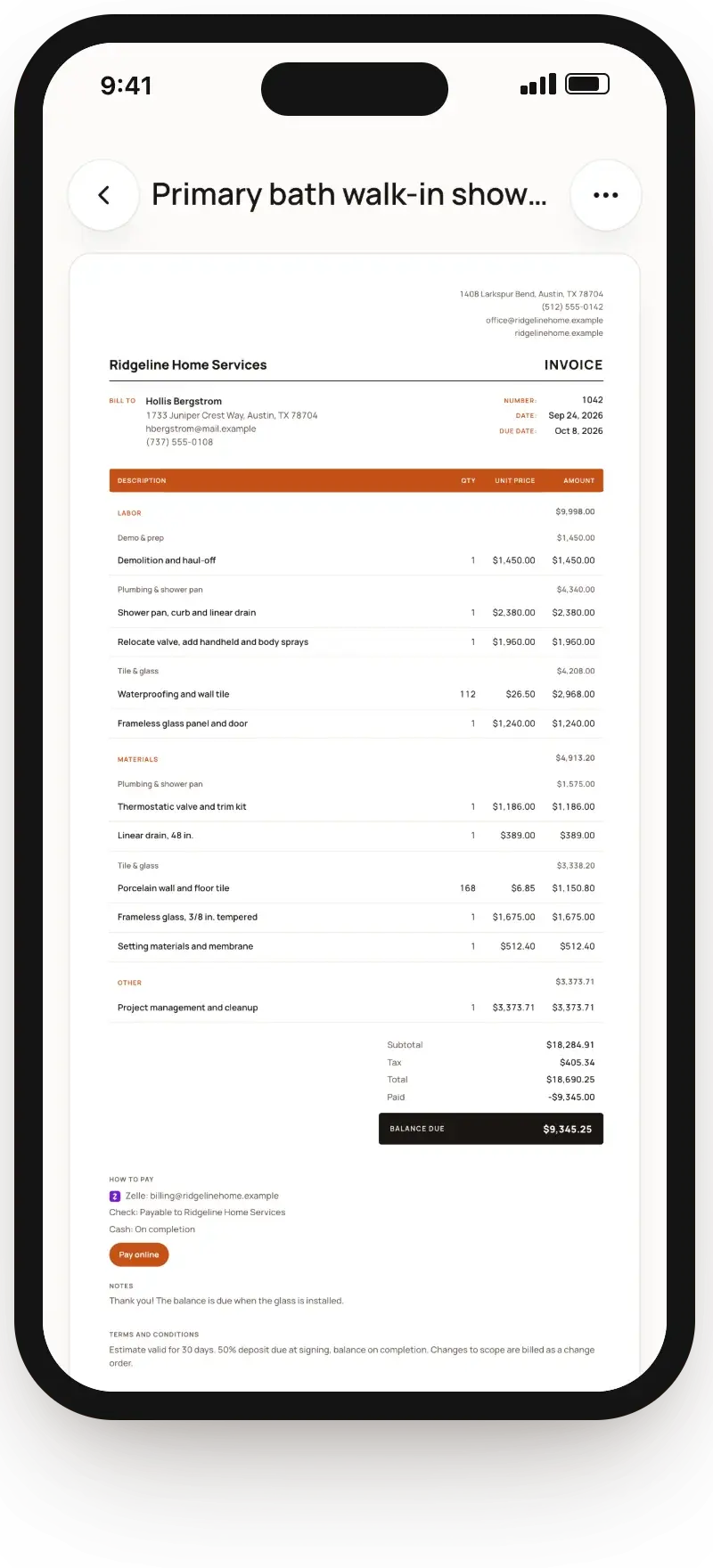
- Professional invoicesYour logo, clear lines and a link clients pay from.
- English or SpanishSend each client estimates and invoices in their language.
From the walkthrough to invoice in minutes
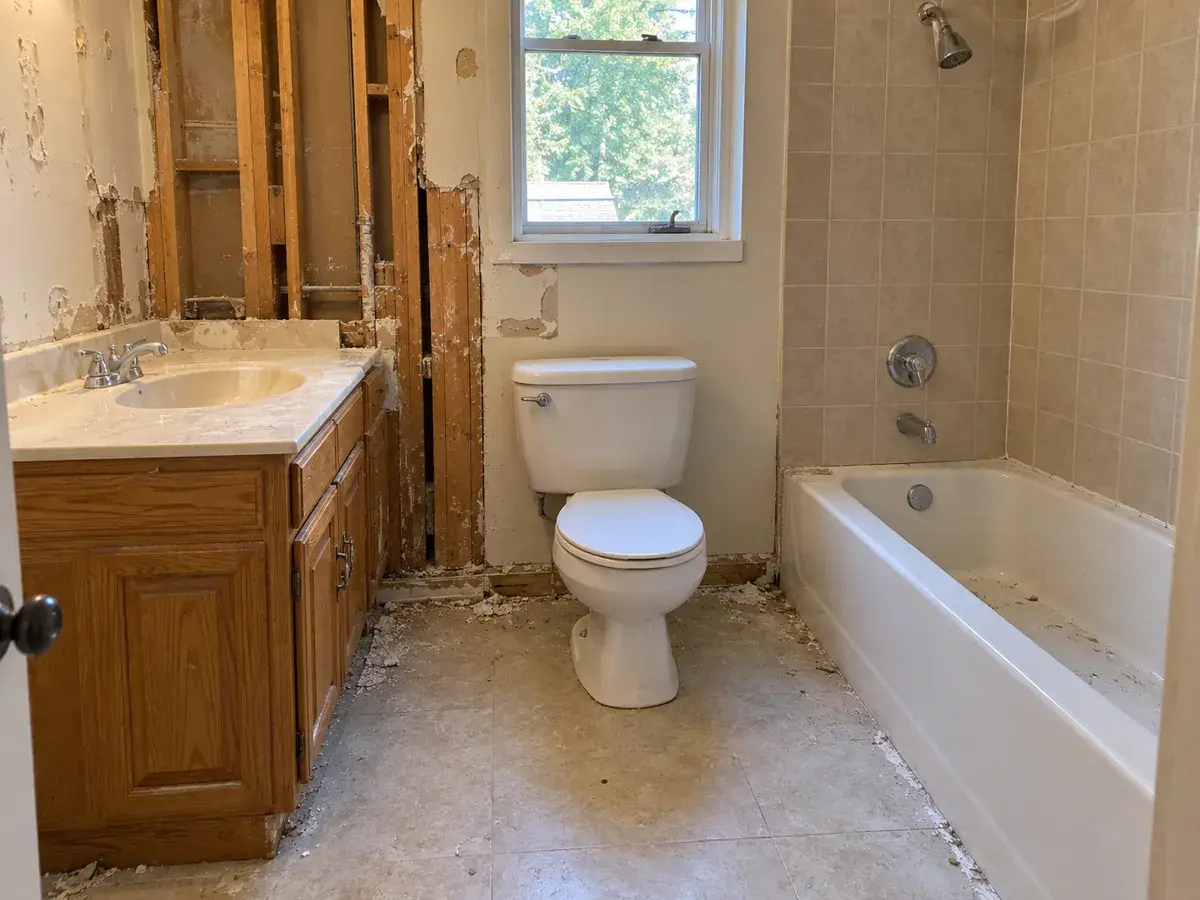
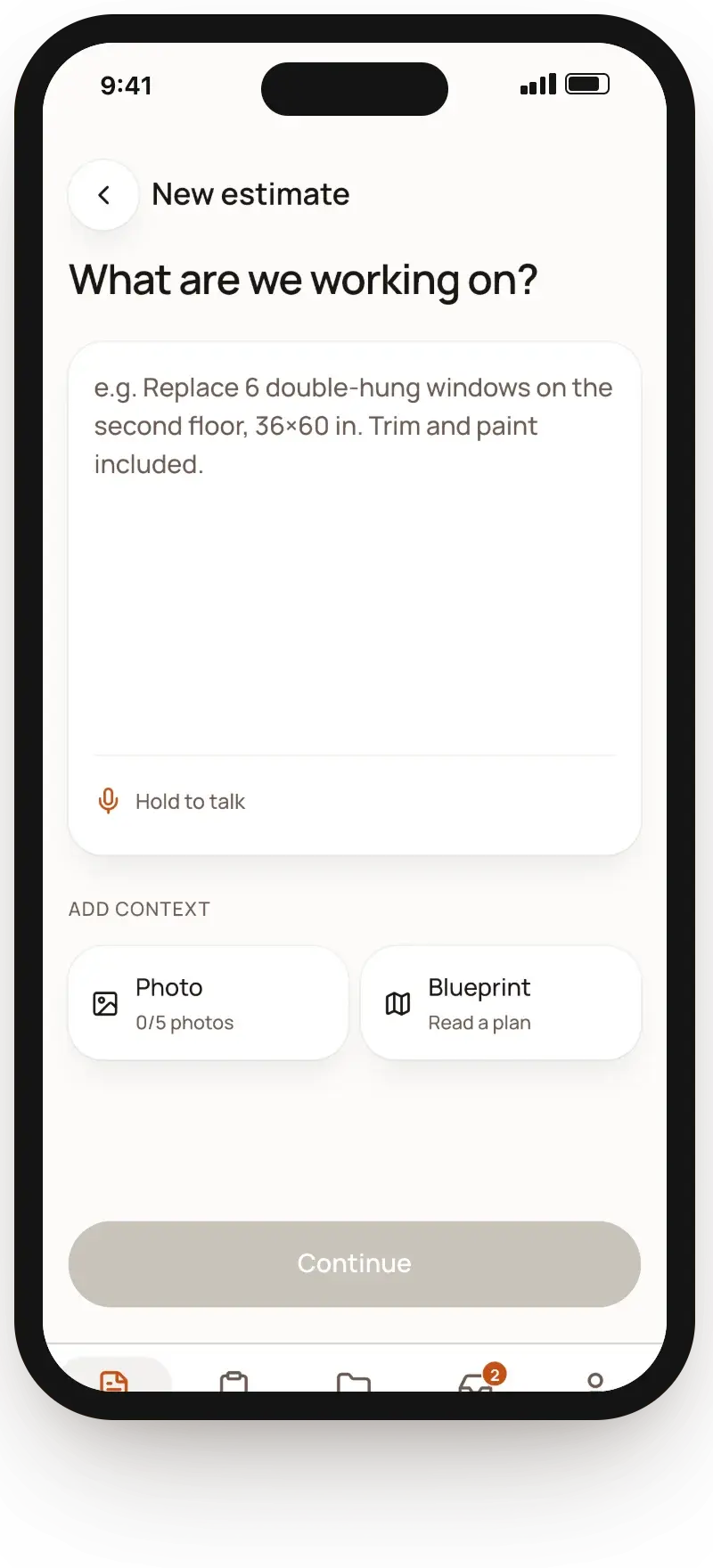
- 1Talk through the jobSay what you see, type it or add photos. AI lists every part of the work.
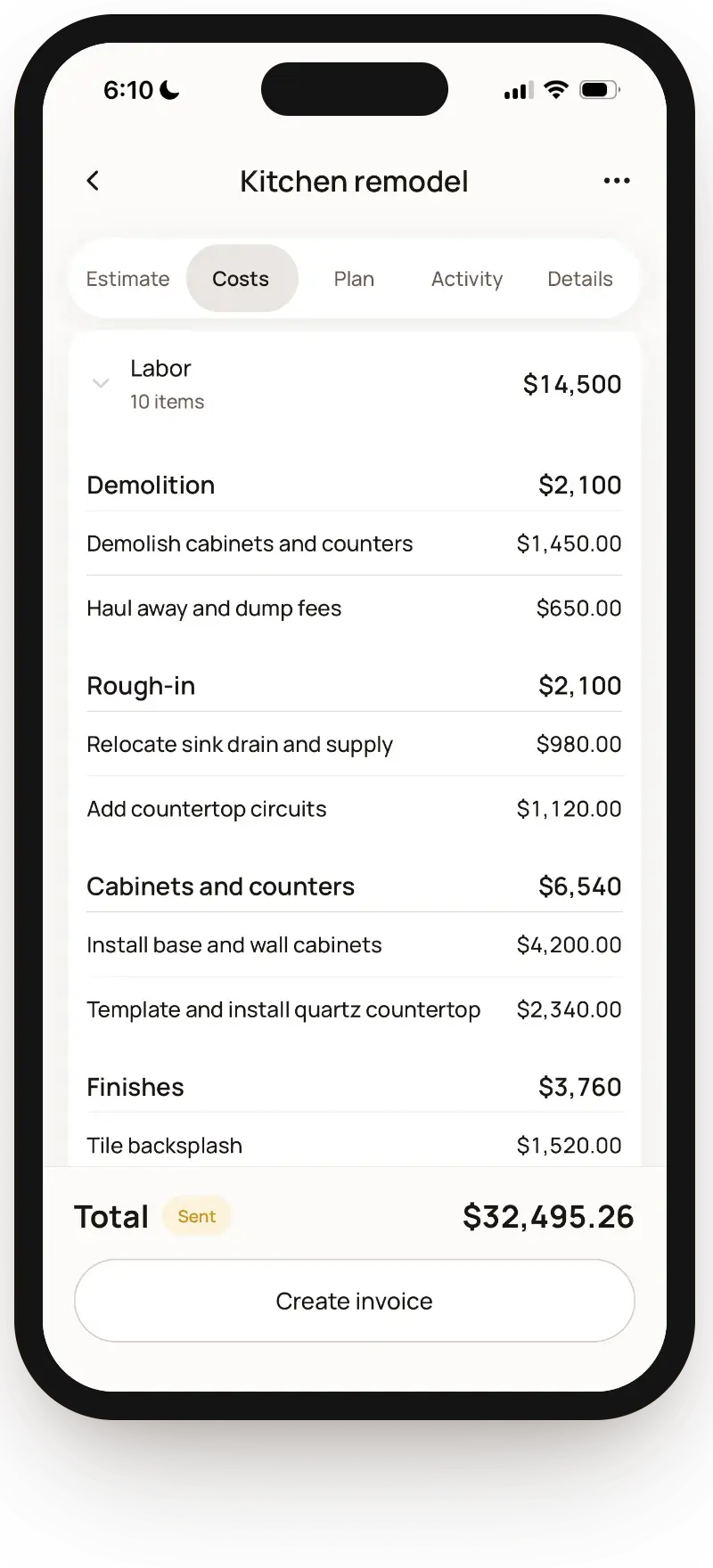
- 2Real prices on every lineEach material is matched to a real product at a store near the job. Change anything.
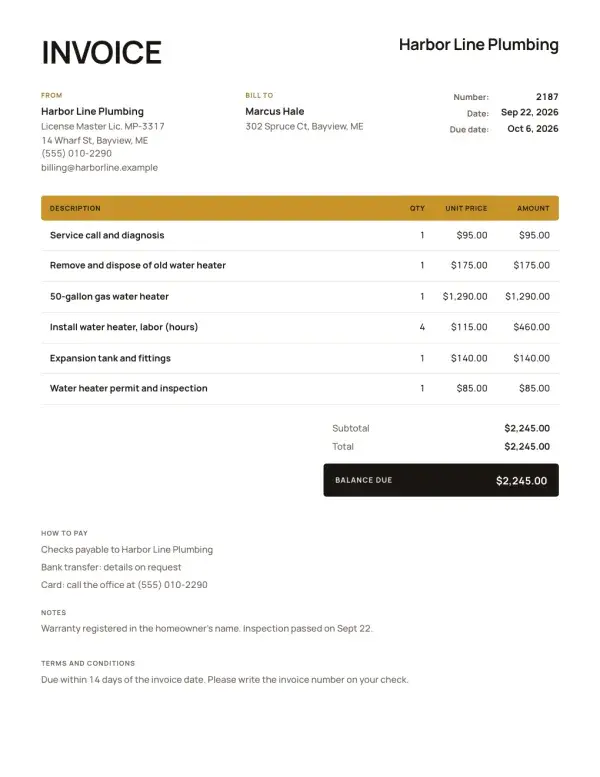
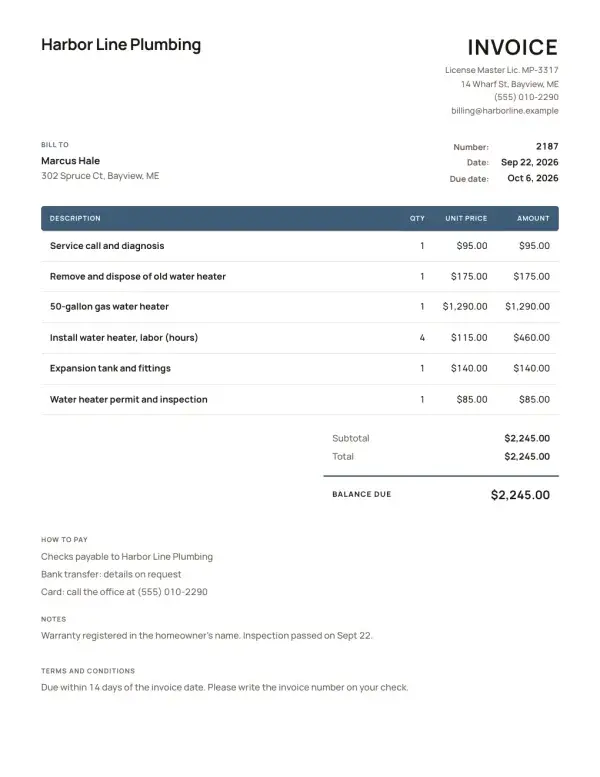
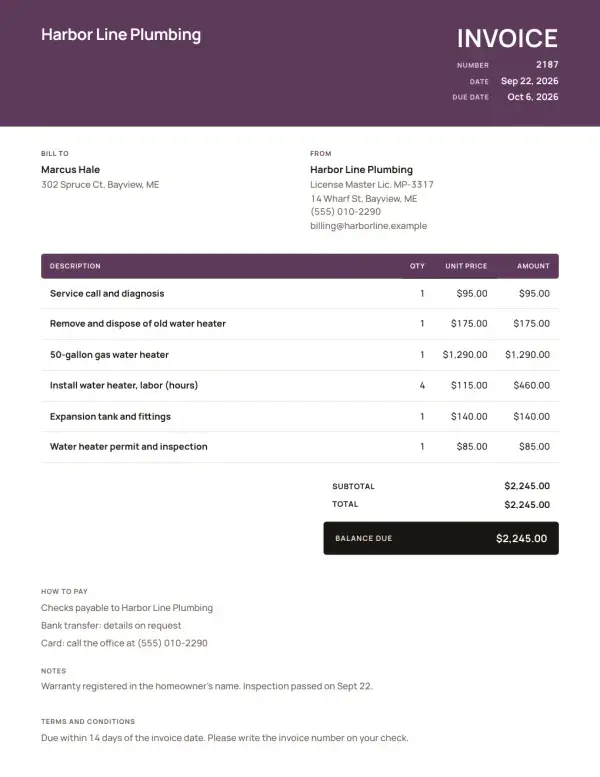
- 3Instant professional documentsYour logo, your colors and a clean layout on every estimate and invoice.
- 4Get paid from the invoiceClients pay by card or bank from the link, and you see it the moment it lands.







Know where every price comes from
Each line adds up from real costs, so your bid holds up and still pays you.
You can change any number before it goes out.
How pricing works →Every line on your estimate
MaterialsPriced at stores near the job
LaborThe going rate for your trade, in your area
OverheadYour truck, insurance and tools
MarkupYour profit, set once
= Your price
Everything else a job needs
- Deposits and progress paymentsAsk for a deposit, then bill the rest in stages.
- Know when clients lookSee when an estimate is opened, signed or paid.
- Change it in plain wordsTell AI what changed and the estimate updates.
- Your logo and termsEvery estimate and invoice looks like your business.
- Job photosKeep photos with the job, not your camera roll.
- Phone and computerStart on site, finish at your desk.
Made for your trade
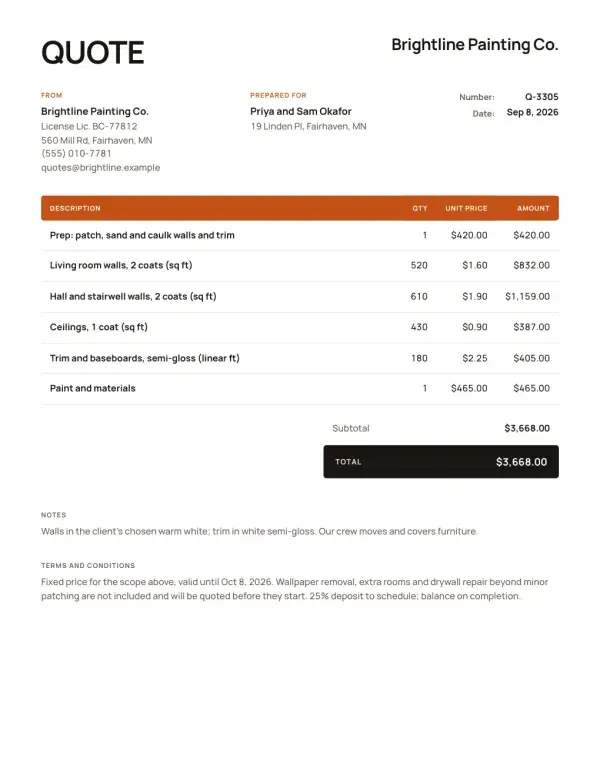
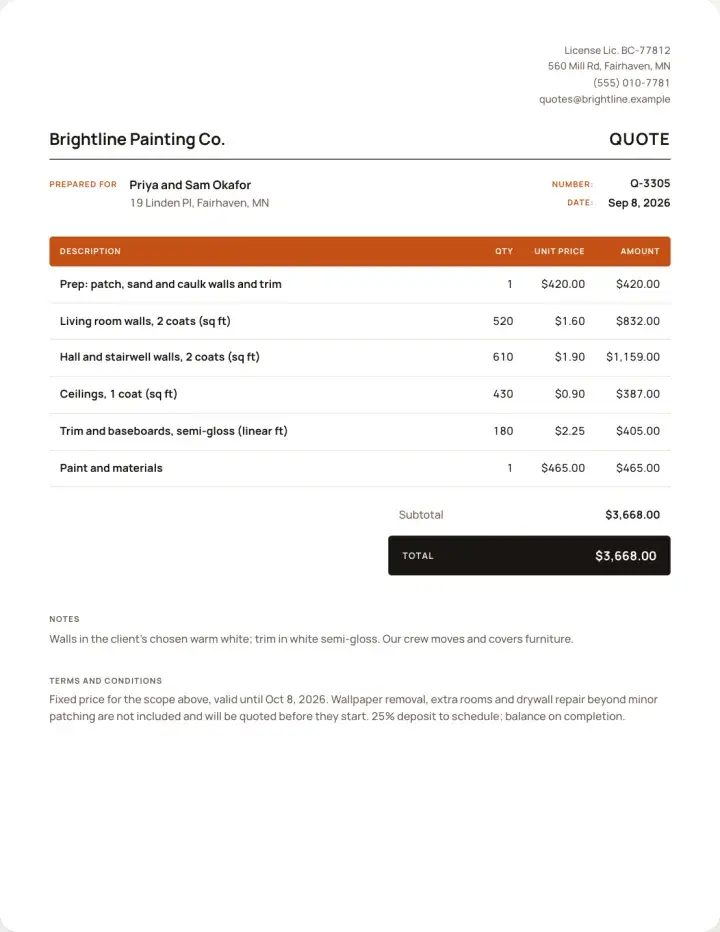
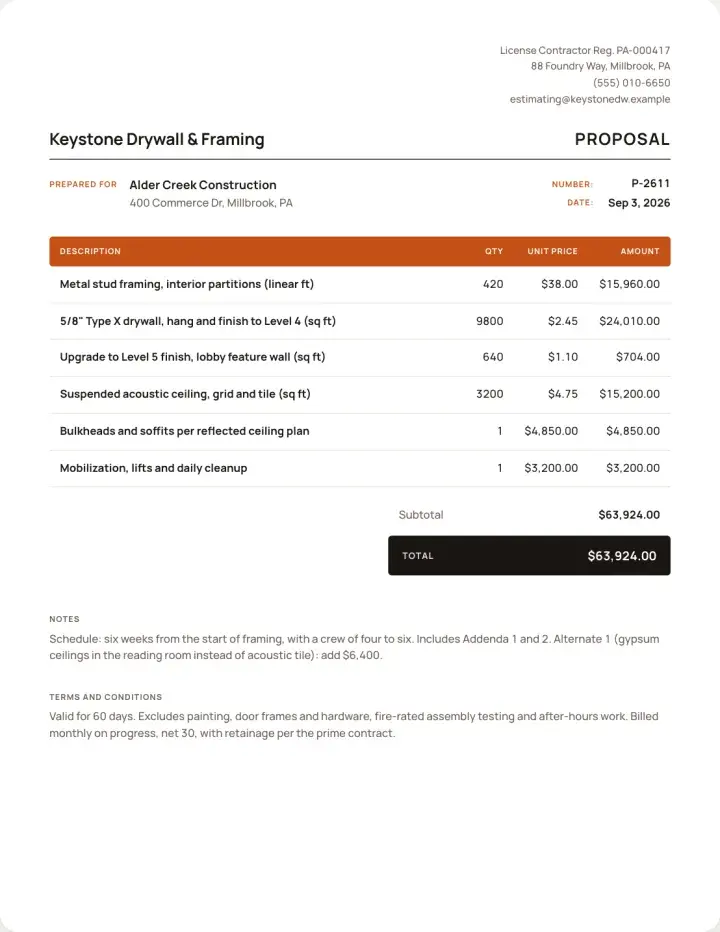
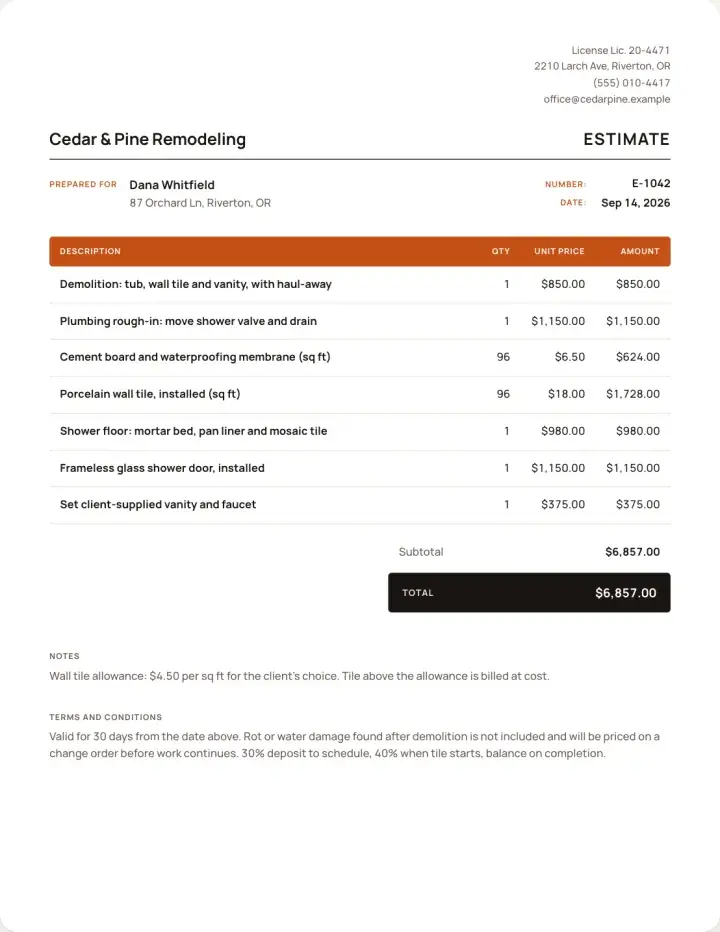
Line items written for the work you do.
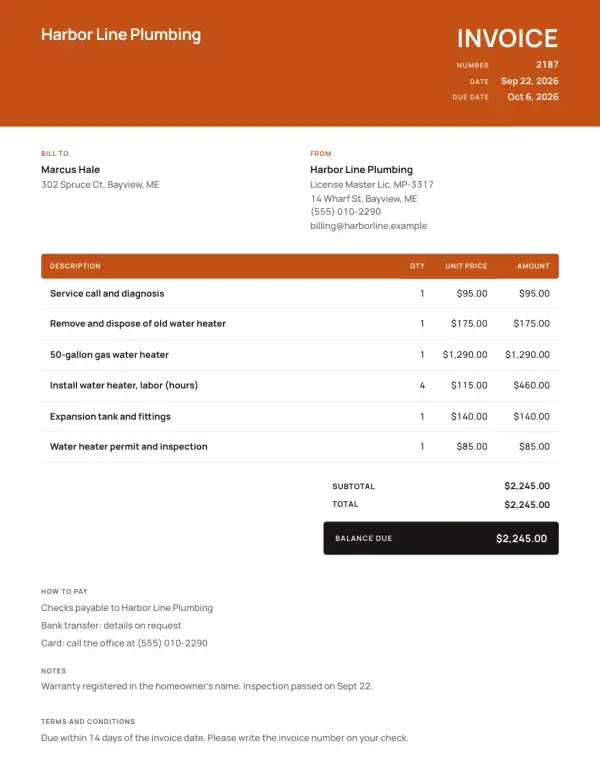
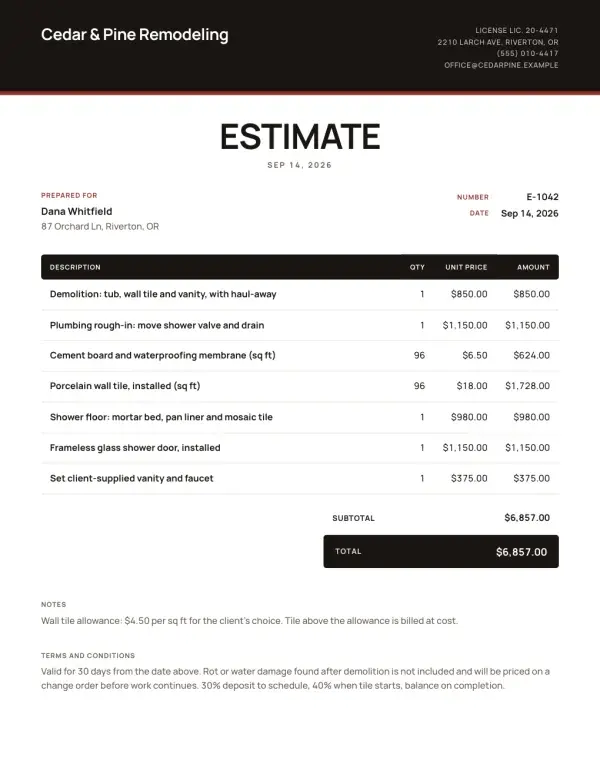
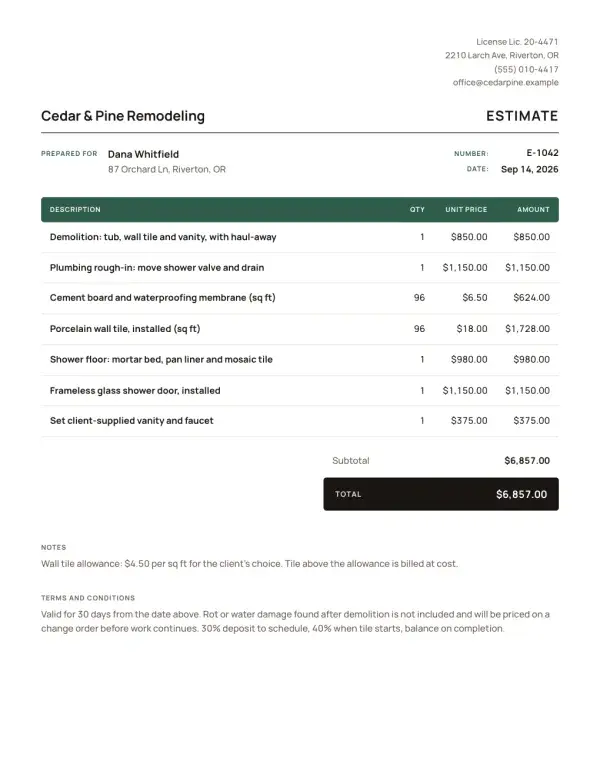
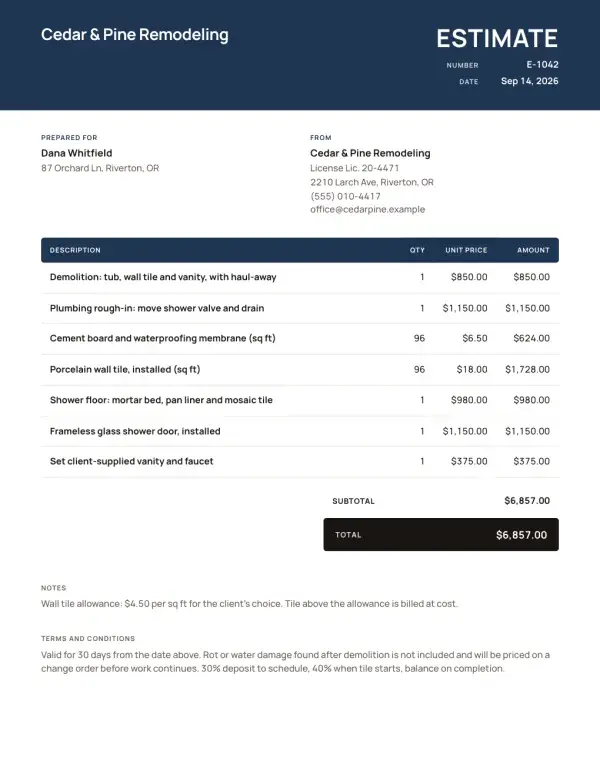
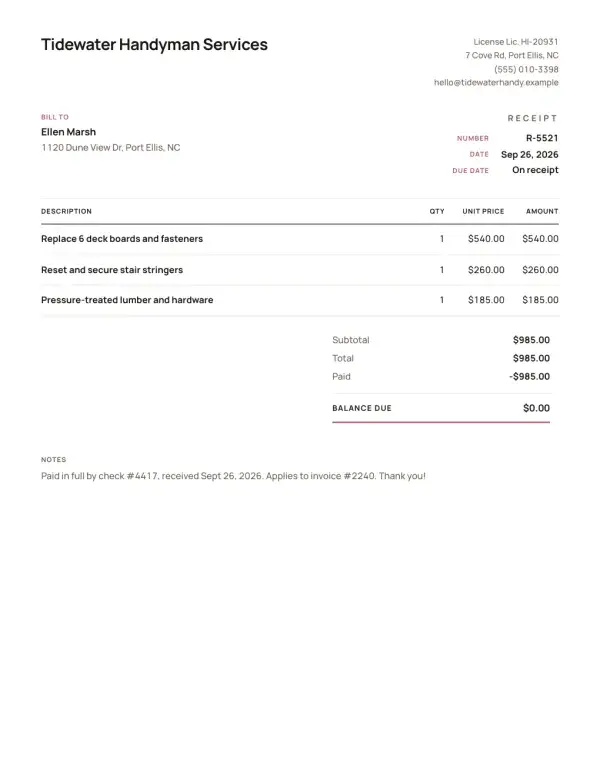
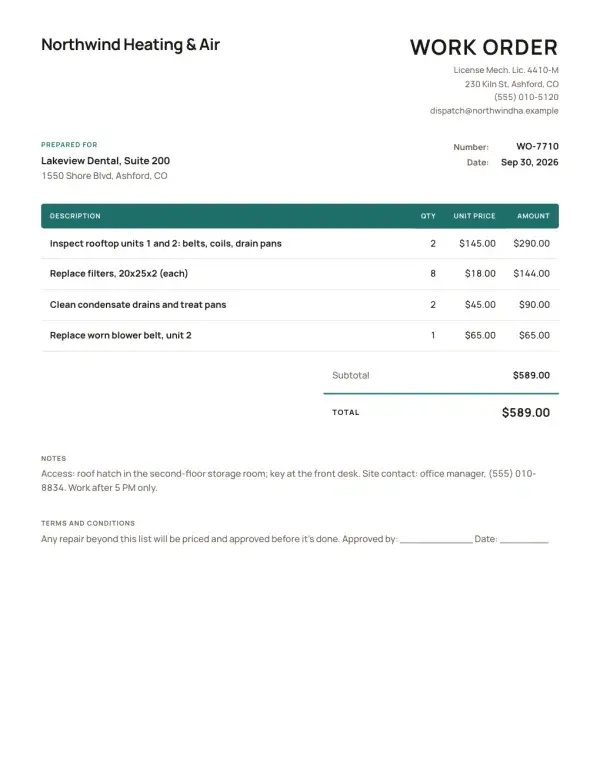
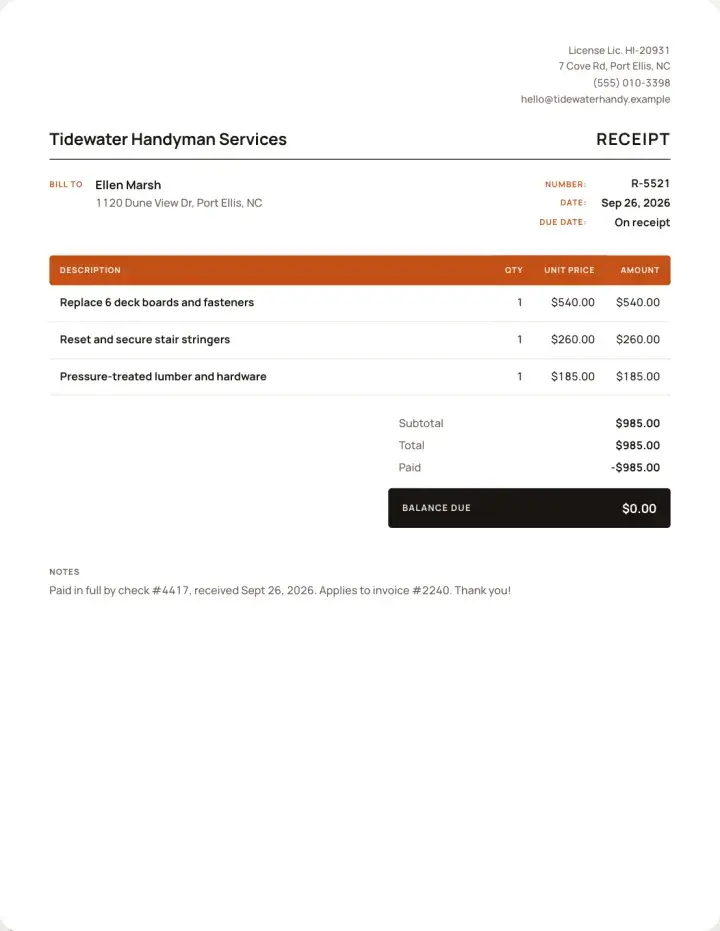
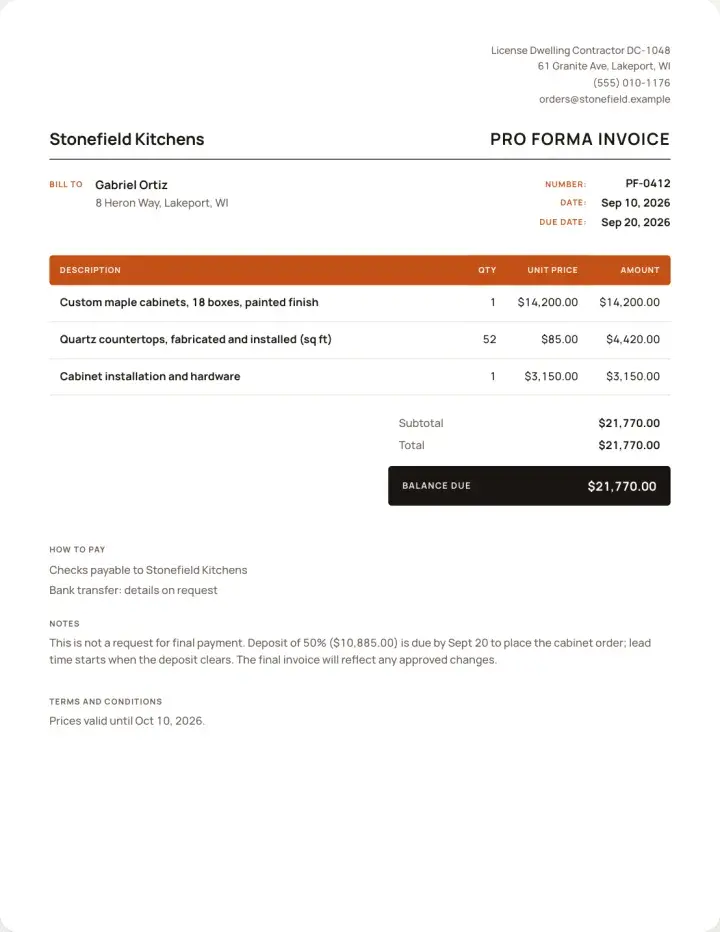
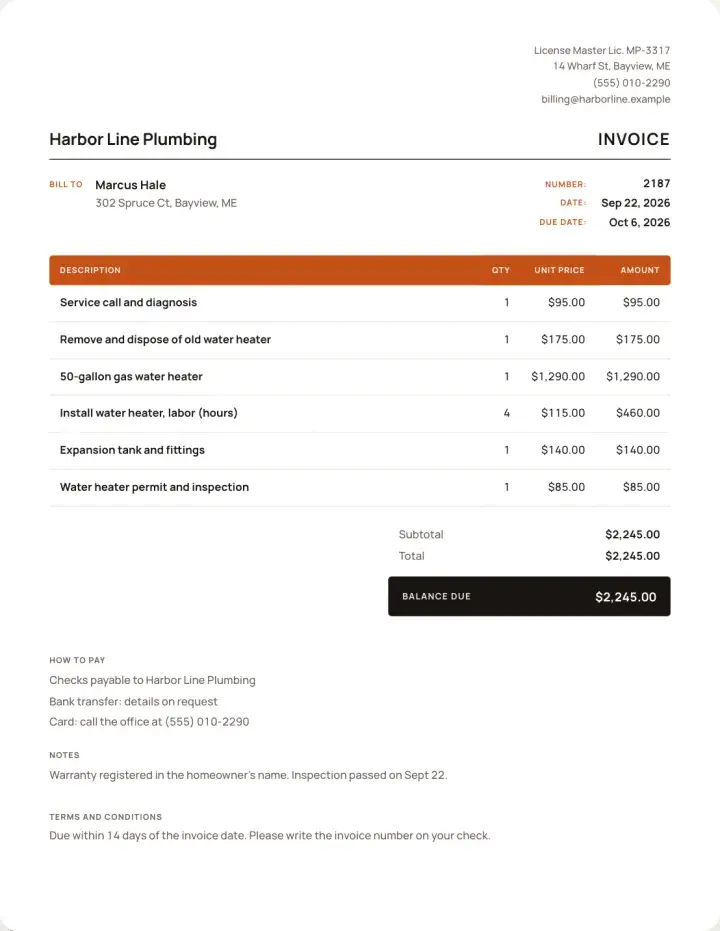
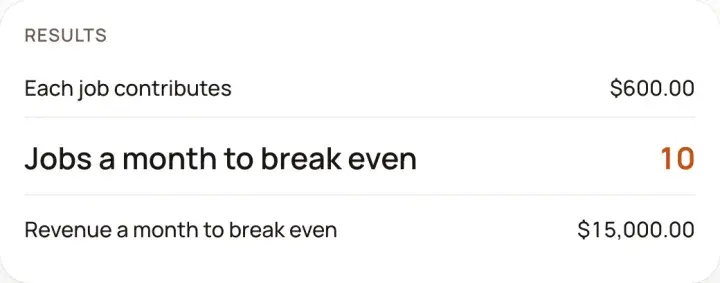
Free templates and tools
No sign-up. Make it, download it, send it.
Simple pricing
Both plans include every feature.
Weekly
$7.99 / week
Billed weekly. Cancel anytime.
- AI estimates priced for your area
- Estimates, invoices, clients and projects
- Clients sign on any phone
- Card and bank payments, no extra BuildWell fee
- iPhone, Android and the web
Best value
Annual
$79.99 / year
About $6.67 a month, billed yearly
- AI estimates priced for your area
- Estimates, invoices, clients and projects
- Clients sign on any phone
- Card and bank payments, no extra BuildWell fee
- iPhone, Android and the web
Both plans include every feature and start with a 3-day free trial. Add a card to start; you’re not charged until the trial ends. Cancel anytime.
Questions, answered
01What does the AI do?
You talk, type or add photos. AI lists the work and prices each line for your area. You check it and send it.
02Can I change the prices?
Yes. Change any line, quantity or price before you send it, and set your markup once.
03How do clients sign and pay?
You text or email a link. They sign on their phone and pay by card or bank, or by the Zelle, Venmo or check details you list.
04Can I use it on a computer?
Yes. Sign in on the web with the same account as your phone.
05Can my client read it in Spanish?
Yes. Any estimate or invoice can go out in English or Spanish, and the app works in both.

Price your next job today
Start free, then send your first estimate from the jobsite.
Start for free →3-day free trial. Cancel anytime.