 BuildWell
Free estimate template for Google Docs
Google Docs works in any browser and on your phone, and your copy saves itself. Like Word, it doesn’t add up the lines; for that, use the Google Sheets version.
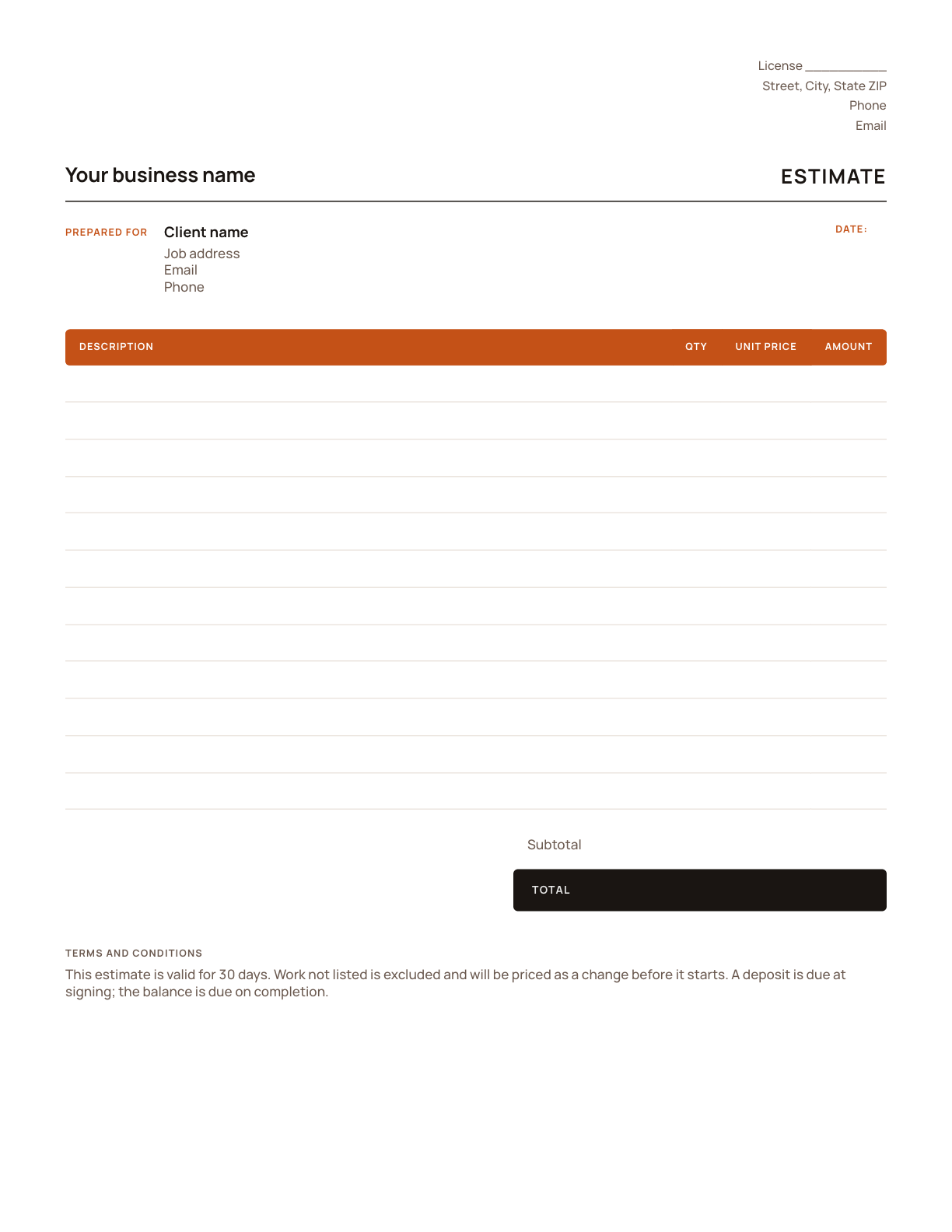
Fill it in with Google Docs
- 1
Step 1
Click “Make a copy”. Google opens your own copy in your Drive; you need a free Google account.
- 2
Step 2
Replace the placeholders with your business details and logo, and rename it as your master copy.
- 3
Step 3
For each job, use File › Make a copy, then fill in the client and the lines and total them.
- 4
Step 4
Send it with File › Download › PDF, or share the link with your client.
What’s on the template
- Your business details and license number
- Client and job address
- Estimate number and date
- Line items with quantity, unit price and amount
- Subtotal, tax and total
- Terms and an acceptance signature line
The same template in other formats
Estimate template for PDF
A printable PDF is the fastest way to leave a written price on site. For a typed version that totals itself, use the Excel template or the free generator.
Get it →Estimate template for Word
Word is easy to brand and edit, but it doesn’t add up the lines for you. Double-check your math, or use the Excel template, which totals itself.
Get it →Estimate template for Excel
The spreadsheet does the math: every amount, the subtotal, the tax and the total are formulas. It’s the quickest template if you price jobs line by line.
Get it →Estimate template for Google Sheets
The Excel template’s formulas, in your browser: amounts, subtotal, tax and total calculate themselves, and you can open it on your phone at the job.
Get it →Skip the template
Describe the job and let BuildWell price it with local material prices and labor rates.
See how →Done with templates? Let it price the job.
- AI estimates priced for your area
- Estimates, invoices, clients and projects
- Clients sign on any phone
- Card and bank payments, no extra BuildWell fee
- iPhone, Android and the web
- AI estimates priced for your area
- Estimates, invoices, clients and projects
- Clients sign on any phone
- Card and bank payments, no extra BuildWell fee
- iPhone, Android and the web
Both plans include every feature and start with a 3-day free trial. Add a card to start; you’re not charged until the trial ends. Cancel anytime.

Try BuildWell today
Estimates, invoices, e-signatures and payments in one place, on your phone and on the web.